Skip to content

OnlyCash CFD: your desk for gold.

Up to four gold prop accounts on one Windows PC. Separate terminals, with cards, costs, payouts and history together.

Trading market
Gold
Prop accounts
Up to 4
Card modes
Manual + automatic
Desktop app
Windows 10 / 11

Four terminals. One Windows PC.

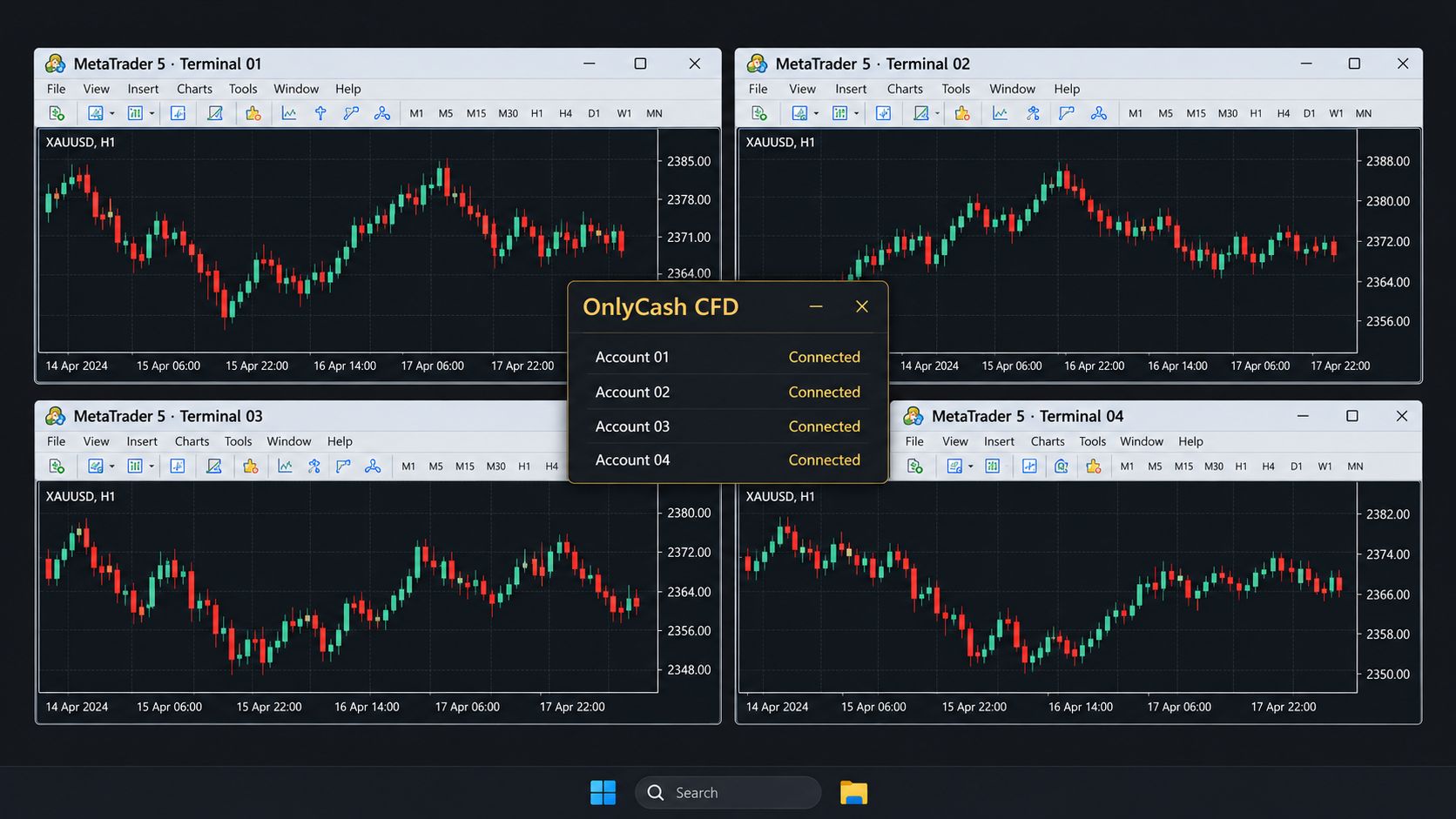
OnlyCash CFD prepares a separate MetaTrader 5 terminal for each prop account. Each account stays on its own card, with up to four available depending on your plan.

Illustrative Windows desktop with four separate MetaTrader 5 terminals and the OnlyCash CFD desk.

Illustrative setup. Demo data. Each terminal belongs to its own prop account. The app interface is currently in Italian.

View the full image

How it works, in three steps

  1. Connect each account

    Enter the account number, server and gold symbol in Connections. OnlyCash prepares a separate terminal from one already installed. Type its password in that terminal.

  2. Choose your card mode

    Manual: place trades in the terminal. Automatic: set direction, lots, stop and target in OnlyCash CFD, then click to send. Use this mode only if your firm allows it.

  3. Follow each account

    See its balance and challenge rules on the card. Keep cash movements, payout requests, reports and trade history in the same desk.

Four accounts, one desk

The Overview brings your cards together, with the phase, balance and status of each account. Open the prepared terminals from there or from a card, when you choose.

Manual and automatic cards

Choose the mode when you create the card; it cannot be changed afterwards. Your firm records automatic-card orders as made by a program.

Your challenge rules, in view

Set the target, drawdown and requirements from your firm’s contract. The card shows them beside the balance. A requirement that needs more history stays marked as not yet calculated.

Cash, payouts and trade history

Record challenge costs and cash movements. Track payout requests as requested, received or cancelled, and review costs, payouts and trade history.

Filter cash movements by account, card or date and export those movements as CSV.

Gold, with a prop account in dollars

Use your terminal’s gold symbol, including its suffix, and a prop account in USD. Other account currencies are refused.

One position per card at a time. Two open positions on the same prop account stop the card and raise a conflict.

A separate Windows program

OnlyCash CFD keeps its own cards, cash records and history on your PC. It installs beside the futures edition, with a separate file and subscription.

What you need

Windows 10 or 11, a CFD prop account in USD, and your firm’s terminal already installed and opened at least once.

CFD plans

CFD on Windows The desktop app already runs on Windows. Public purchases and downloads through this website are not open.

Base

One prop firm account at a time

Launch price

€49.99 / month

standard price €99.98

or €499 per year

standard price €998

Subscribe during the launch and keep this price at every renewal while your subscription stays active. The standard price applies to later subscribers.

Pro

Up to three accounts at once

Launch price

€99.99 / month

standard price €199.98

or €999 per year

standard price €1,998

Subscribe during the launch and keep this price at every renewal while your subscription stays active. The standard price applies to later subscribers.

Unlimited

All four accounts the program can hold

Launch price

€149.99 / month

standard price €299.98

or €1,499 per year

standard price €2,998

Subscribe during the launch and keep this price at every renewal while your subscription stays active. The standard price applies to later subscribers.

The launch price is what you will pay when the section opens; next to it is the standard price the plan settles at. Prices include VAT. Public purchases are not open on this website. These are the published launch and standard prices.

Do you work with futures prop firms?

Then yours is the other edition: OnlyCash, for futures prop firms.

Go to OnlyCash